Podcast Guest Audio Setup on Any Budget
A practical podcast audio setup starts with a quiet room and stable headphones, then improves the microphone and technique only when those basics are already handled.
Research this article with AI
Follow Convokast on Google
Add Convokast to your Preferred Sources.
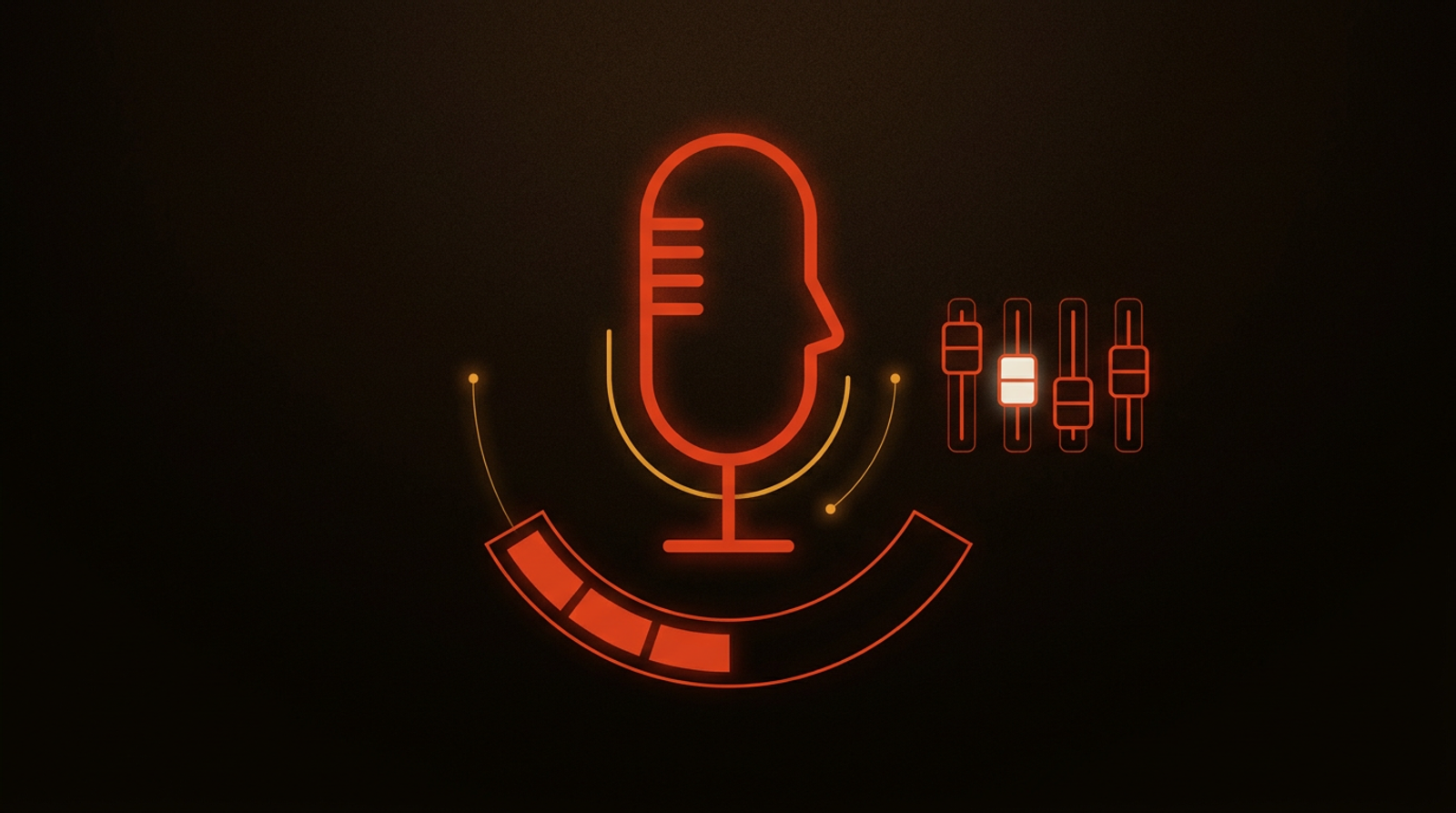
A useful podcast audio setup does not begin with a shopping list. It begins with a quiet room, headphones, a stable connection, and a microphone placed close enough to hear you clearly. Get those basics right and you can sound prepared without turning a guest appearance into a home-studio project.
The practical goal is plain speech that the host can record without chasing you for repairs. You are not producing the episode. You are making your side of the conversation easy to hear, easy to edit, and free of surprises.
Start with the room, not the microphone
A good microphone cannot remove the sound of a busy kitchen, a hard empty room, or a window facing traffic. Before changing equipment, choose the quietest room you can control and tell other people nearby that you are recording.
Soft surfaces help because they stop your voice from bouncing around the room. Curtains, rugs, books, a couch, and even a closet full of clothes can make an ordinary space less hollow. The aim is not to create a perfect studio. It is to avoid the obvious echo that makes clear speech feel distant.
Listen for the sounds that become normal to you but distract a listener: air conditioning, a fan, a refrigerator cycling on, notification pings, a pet at the door, or a chair that creaks whenever you move. Deal with the easy ones before the call. Close the window, silence the phone, move the chair, and keep a drink within reach so you do not leave the microphone mid-answer.
If you cannot control the room, say so early. A host may have a different recording window, or may suggest a simpler workaround. Meeting the host's stated requirements is part of what podcast hosts require from guests, not a last-minute technical detail.
Use the microphone you have with better technique
A built-in computer microphone is a fallback, not a disaster. It becomes much less useful when the computer is across a large desk or the room is loud. Move closer, raise the computer safely, and speak toward the microphone rather than across it.
A headset microphone can be a strong practical option because it stays at a consistent distance from your mouth. Wired headphones also prevent the host's voice from returning through your speakers and appearing as echo in the recording. If you use wireless headphones, test them with the same computer and browser you will use for the interview. Connection changes during a conversation are rarely graceful.
A separate USB microphone is worth considering if guest interviews are becoming a regular part of your work. Choose one that is simple to connect and learn where its pickup area is. Pointing a microphone at your chin from far away, or talking into its side, can make a capable device sound thin. Keep it near your mouth without putting it directly in the path of every breath.
Speak at a normal conversational volume. Raising your voice because you are nervous tends to create harsh peaks and makes you run out of breath. A calmer, steady delivery gives the host more usable audio and helps your answers land better.
Test the full recording path before the appointment
Do not test only whether the microphone appears in a settings menu. Open the same browser, choose the same device, use the same headphones, and make a short recording or call. Then listen back through headphones.
You are checking for a few basic problems: whether your voice is clear, whether the selected microphone is really the one you intend to use, whether the room is noisy, and whether the connection drops when video starts. This takes less effort than trying to diagnose a muted track while a host waits.
Close applications that could send alerts, use the camera, or compete for the connection. If your household shares the connection, avoid a time when someone is likely to be on a heavy call or download. A wired network connection can be useful when it is available, but a steady familiar connection is better than a rushed change just before recording.
Ask the producer for the recording link and any instructions ahead of time. Some shows record in a browser studio, some use a meeting platform, and some ask guests to make a local file as a backup. Do not install unfamiliar software at the moment the session starts. Read the instructions, test the link, and ask a concise question if something is unclear.
Prepare for the recording style the host uses
The audio rules are connected to the format of the interview. Video recordings can make camera position and background part of the request as well as your voice. Separate-track sessions may ask you to leave the browser open while an upload finishes. Live recordings can require an early sound check. Zoom's official guidance on testing your audio and audio troubleshooting is useful for checking the platform before a host is waiting.
Treat those requests as part of the job, not as producer fussiness. The host owns the recording process and knows what their editor needs. You can learn the wider flow in how podcast guest booking works, but the instructions for the specific show take priority.
Keep a simple recovery plan. Have a charging cable connected, know how to switch to a phone call if the internet fails, and keep the host's contact information available outside the recording app. If something breaks, say what happened in one sentence and follow the producer's lead. Long apologies consume the same time that could be used to fix the problem.
Avoid the habits that make clear audio hard to edit
Do not type while someone else is speaking. Keyboard clicks carry farther than they seem to in the room. Avoid tapping the desk, moving a glass near the microphone, or shuffling papers beside it. If you need notes, print them or keep a clean document on screen and use it as a prompt rather than a script.
Pause briefly after the host finishes a question. The pause gives you a moment to think and protects against talking over a connection delay. Then answer in complete thoughts instead of rushing to fill silence. This is a technical advantage and a conversational one.
When you need to cough, take a drink, or handle an interruption, mute if the platform allows it and tell the host when you are back. Do not disappear without context. Small acts of coordination keep a recording session moving and make you a guest a producer will be happy to work with again.
Skip audio processing unless you understand it and have tested it. Aggressive noise removal, virtual microphones, and automatic voice effects can make speech sound metallic or cut off the beginning of words. A clean signal from a quiet room is usually the safer choice.
Make the setup repeatable instead of elaborate
The best setup is one you can recreate without thinking. Keep your headphones, cable, microphone, and a short checklist in the same place. Before an interview, set up the room, review the host's instructions, test the input, silence alerts, and keep water nearby.
That routine reduces the mental load before a conversation. It also leaves more attention for the actual interview: the host's questions, the stories you want to tell, and the points that make you useful to listeners. Audio preparation supports that work. It should not replace it.
Podcast guesting itself is a conversation with a production layer around it. The podcast guesting glossary is a useful reference when terms such as producer, one-sheet, or pitch angle are still unfamiliar. Once the terminology is clear, build the preparation habit around your real conditions rather than copying a studio tour online.
Where to take this next
Write down your room, device, headphones, and fallback plan before the next interview, then add the recording details to a guest page a producer can use. The one-sheet builder gives you a simple place to keep those practical details alongside your bio and episode angles.
Common questions
Do I need an expensive microphone for a podcast appearance?
No. A quiet room, headphones, a stable connection, and careful microphone placement usually matter more than buying expensive equipment. Use the best microphone available, then improve the recording space and technique before adding more gear.
Should a podcast guest wear headphones?
Yes. Headphones prevent the host's voice from feeding back into your microphone and make it easier to hear interruptions, connection problems, or recording cues. Wired headphones are a dependable choice when available.
What should I ask the host before recording?
Ask which recording link or platform to use, whether video is expected, whether they want local recording, and whether they have a microphone or room recommendation. Follow their process rather than changing settings during the session.
Keep reading
Is Podcast Guesting Worth It for Manufacturing Leaders?
A fit test for manufacturing and industrial leaders: the three conditions that have to hold before podcast guesting is worth the time, and who should skip it.
Read more
Podcast Interview Questions for Startup CEOs
Hosts ask startup CEOs for the numbers, the near-death moment and the competitor comparison. Here is how to decide in advance what you will disclose, and what to say instead when the answer is not yours to give.
Read more
Podcast Interview Questions for Health and Wellness Founders
The questions hosts ask health and wellness founders, and the answer boundary behind each one. Covers does it work, what do you take yourself, the listener who wants advice, and the competitor whose claims are wilder than yours.
Read moreWork with us
Want to be the guest, not the reader?
We pitch, book, and prep you for the shows your buyers already listen to.
Free 20-minute call. If we are not a fit, we will say so.